Install and launch OI Sentinel
Follow these steps to install and run OI Sentinel on your workstation.
1. To install OI Sentinel, open the installer using:https://<servername>/oi.sentinel.app/IFS.OISentinel.appinstaller
Note: Replace <servername> with the server name for your IFS Cloud environment.
2. The OI Sentinel application installer is downloaded through your browser.
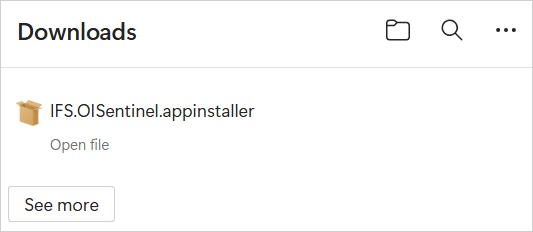
3. Select the downloaded installer file to launch the installation.
4. When the installation dialog appears, click Install.
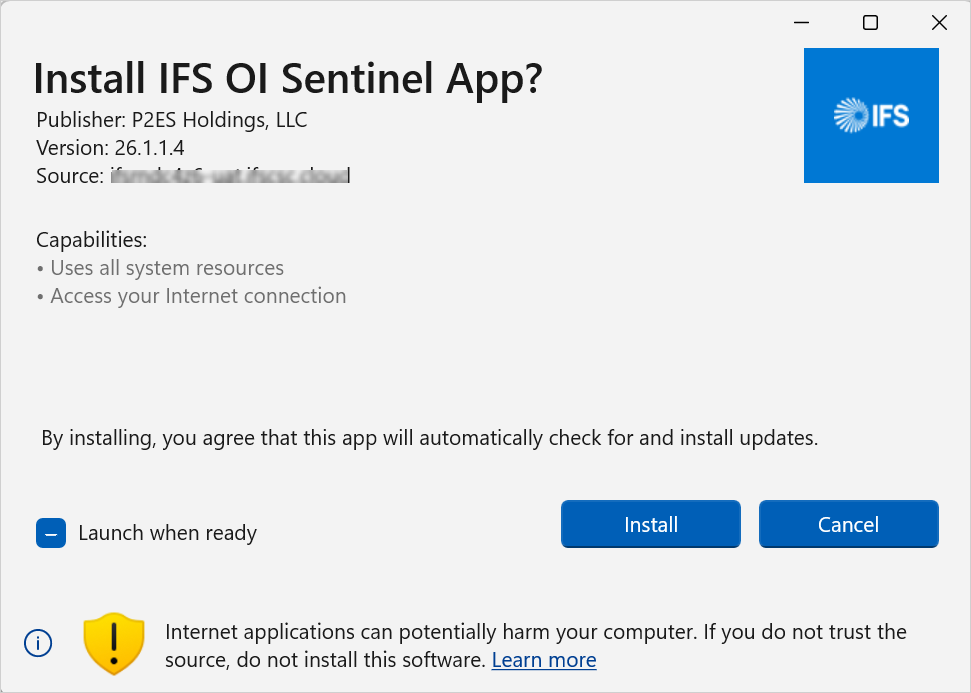
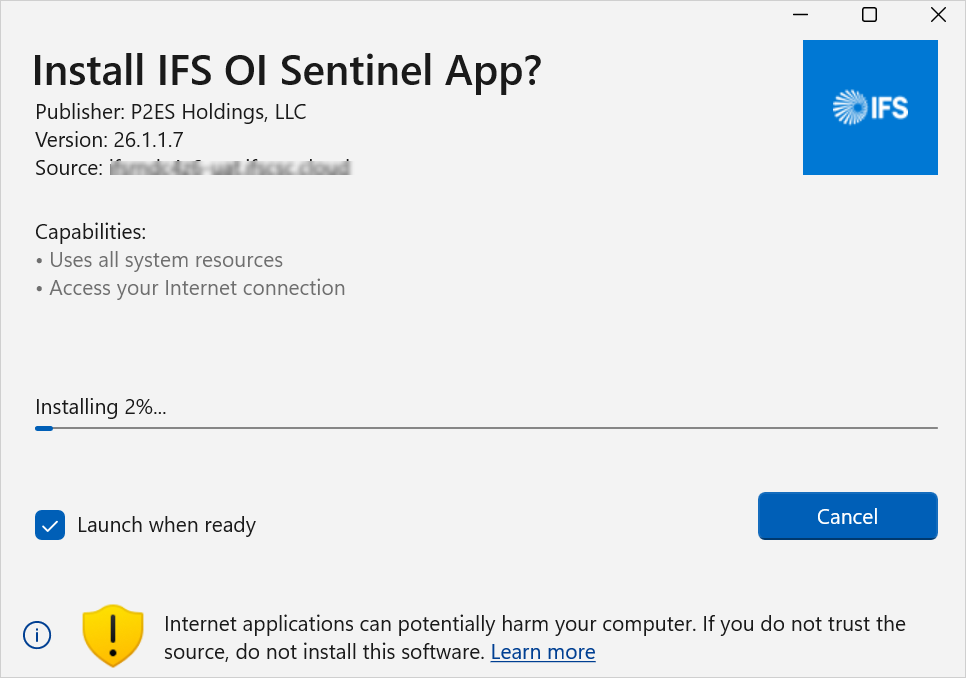
5. The installation process begins and completes automatically.
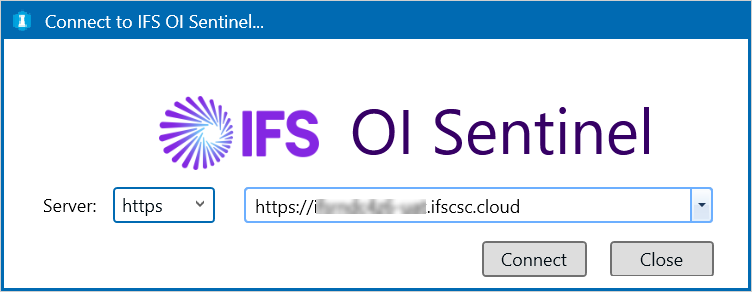
6. Once installation is complete, the Connect to IFS OI Sentinel dialog opens.
7. Enter your IFS Cloud environment details and click Connect.
8. A browser window opens for sign in. Use your IFS Cloud credentials to sign in.
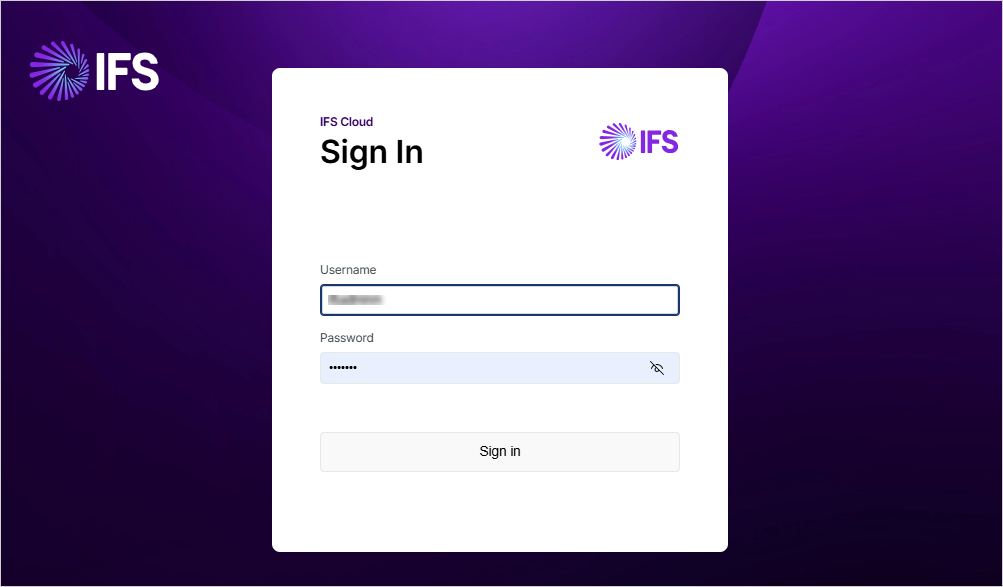
9. After signing in, close the browser window. OI Sentinel will then launch and connect to your environment.
OI Sentinel is now installed and ready for use.