Using the UI Editor
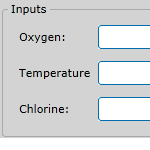
You use the UI editor in Sentinel Studio when you want to configure Inputs and Process Parameters for your user process. These components will be configured by the user in IFS OI Sentinel when the monitor is created.
You use the UI editor in Sentinel Studio when you want to configure Inputs and Process Parameters for your user process. These components will be configured by the user in IFS OI Sentinel when the monitor is created.
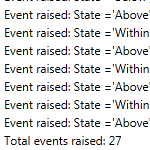
When you validate all flow events at once in Sentinel Studio, validation occurs in a specific order.
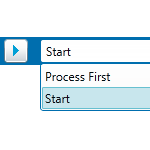
This article describes how to test a single flow event of a Sentinel user process, in Sentinel Studio.
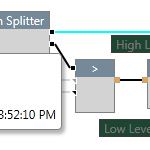
This topic highlights some of the visual cues used during validation and testing of a user process in Sentinel Studio.
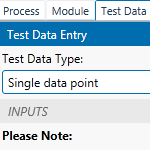
There are two ways to supply test data in Sentinel Studio: Manually specify single data points or Import data from a .csv file.
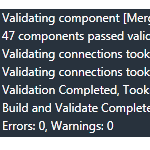
Before you use a user process in Sentinel, you must validate the logic of the process in Sentinel Studio to make sure it works.
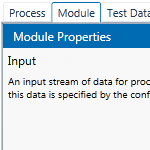
Sentinel Process Components are configured in the Module tab of the properties panel in Sentinel Studio. The Module tab is automatically activated when you click on a process component. It describes the type of component and allows you to specify properties that are specific to the component.

Before you create a user process in Sentinel Studio, you should have some idea of the mathematical logic behind your process. We recommend that you initially map this out using a flowchart or similar tool so that you have a guide to follow when using Sentinel Studio.
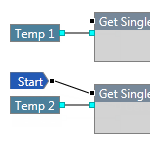
Sentinel Studio is essentially a programming language that provides a visual editing tool for developing logical constructs to create a process for use in Sentinel. Before you start creating your process in Sentinel Studio, you should have a clear understanding of what your goals are and what you want to achieve.
This article describes where to start a user process. A Sentinel process flows in a forward manner from left to right, following the path of the connected flow pins. When the process encounters a component that does not have the data it requires, the process may temporarily flow backwards in order to obtain that data, and then will resume the forward flow.